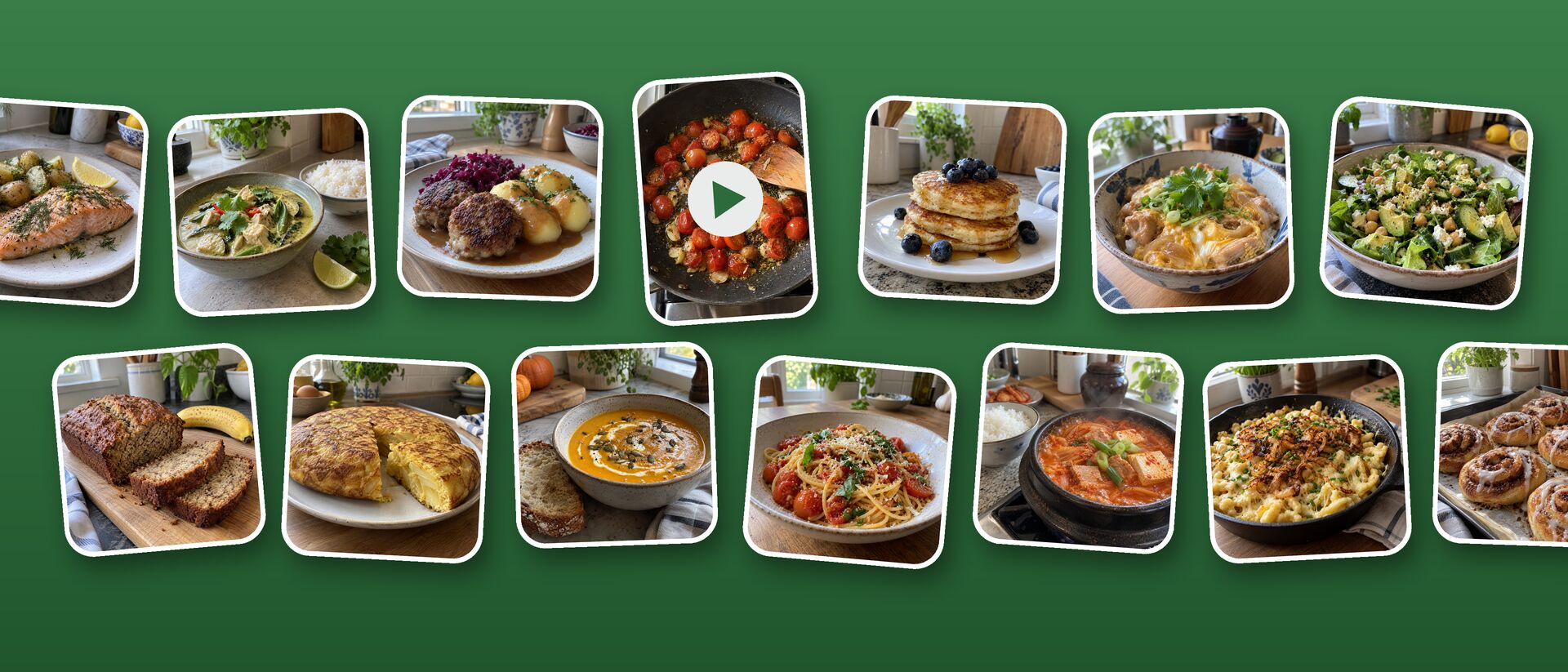
From a cooking video
Save the video to your iPhone, then share it from Photos to Opskrift. Speech is recognized on the phone and the text in the video is read too. With Apple Intelligence, the recipe is written from both.
 OpskriftComing soon
Saved a cooking video? Share it to Opskrift. It listens to what's said, reads the text on screen and writes out a real recipe with ingredients and steps. Web pages and cookbook photos work too. All on your iPhone.
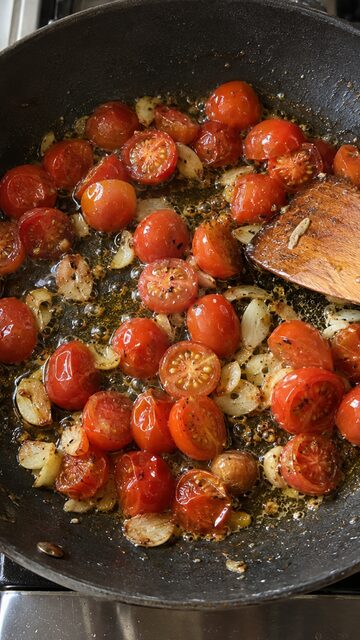
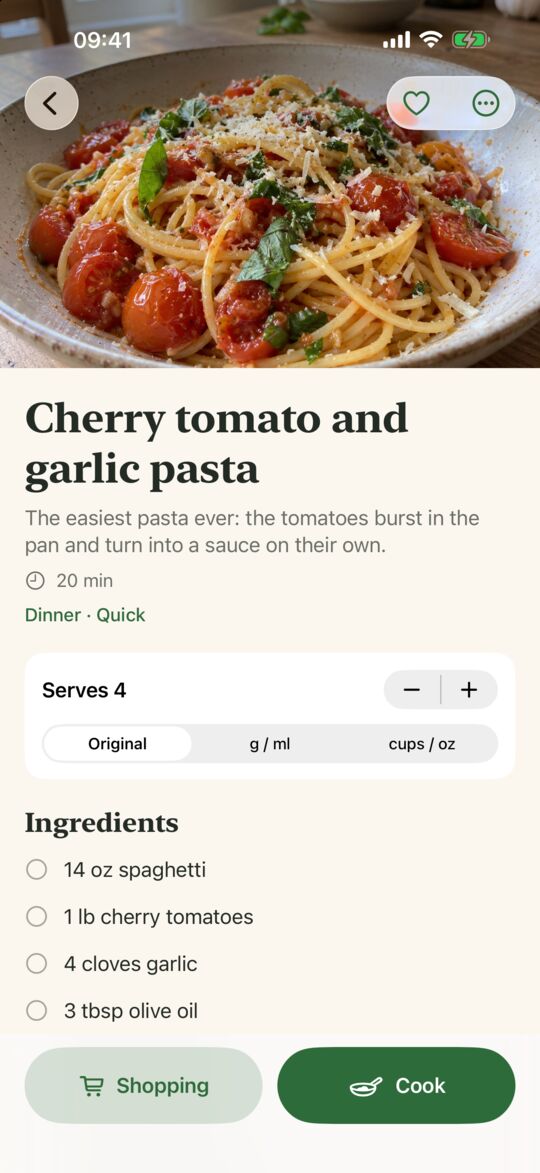
Save the video to your iPhone, then share it from Photos to Opskrift. Speech is recognized on the phone and the text in the video is read too. With Apple Intelligence, the recipe is written from both.
Open the recipe in Safari, tap Share and choose Opskrift. It takes the recipe straight from the page: no pop-ups, no life story, no ads.
Take a picture of the page – two columns too – or share a screenshot. The text is read on your iPhone and split into ingredients and steps.
Cooking for six instead of four? Tap + and every amount follows. Switch between grams and cups, and see oven temperatures in °C and °F.
One step at a time in big type, and the screen stays on. Times in a step become timer buttons: "bake for 25 minutes" is one tap.
Pick what you need and put it on your list in Reminders, which you can already share with your family.
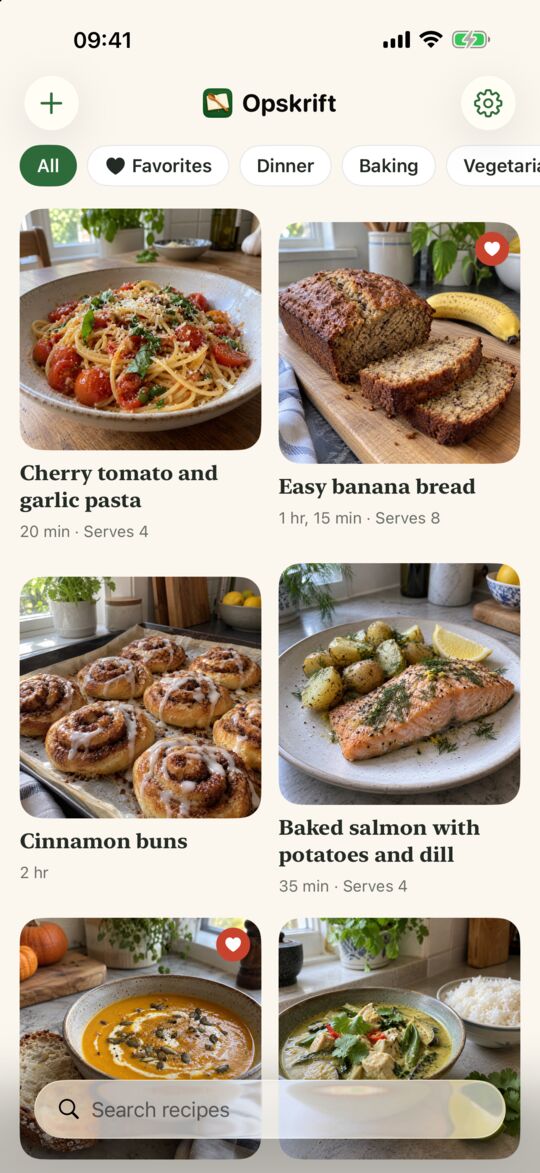
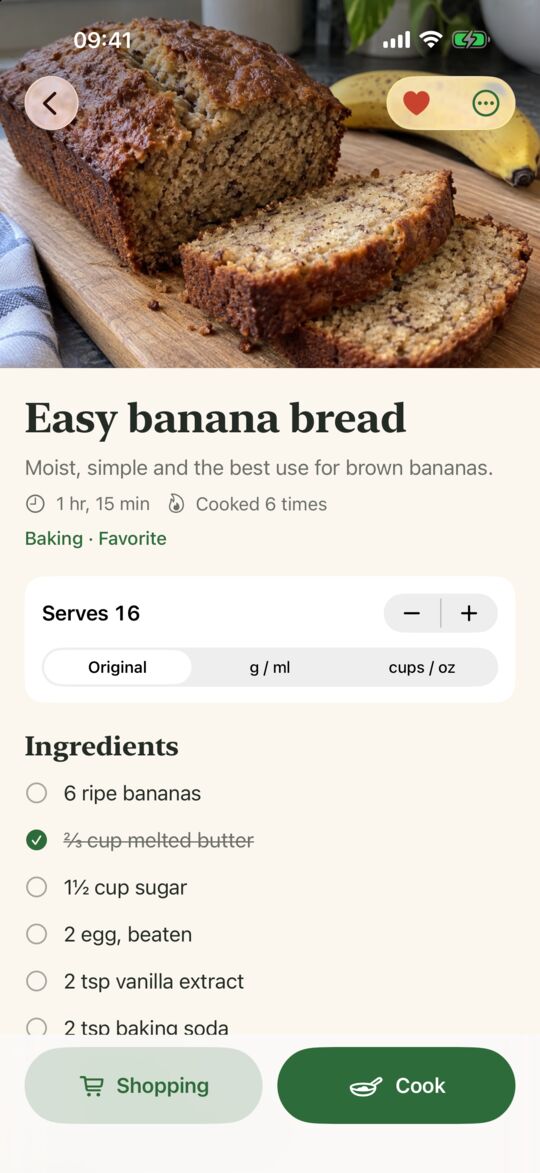
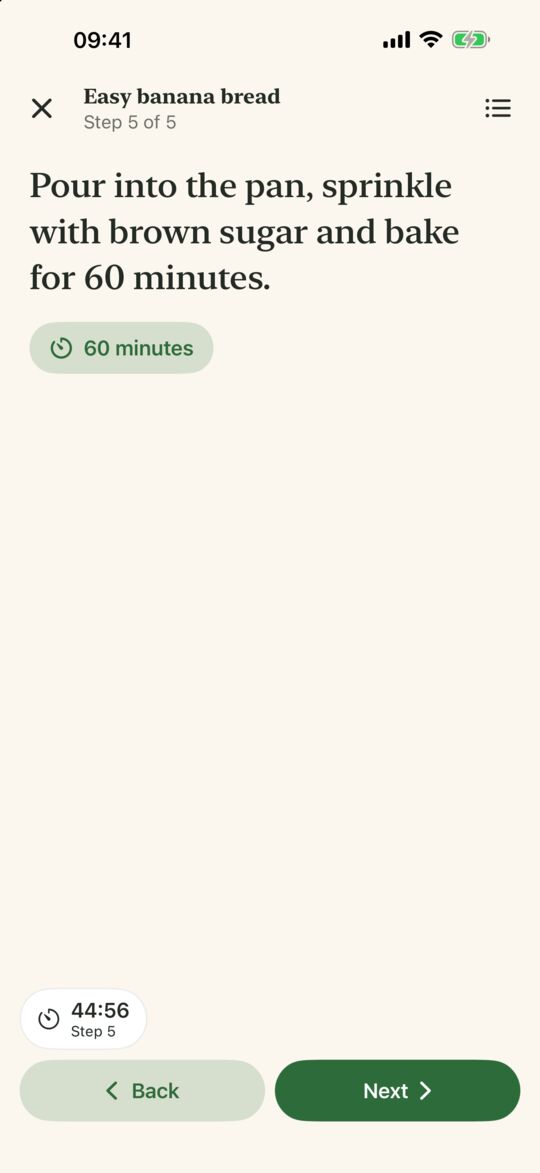
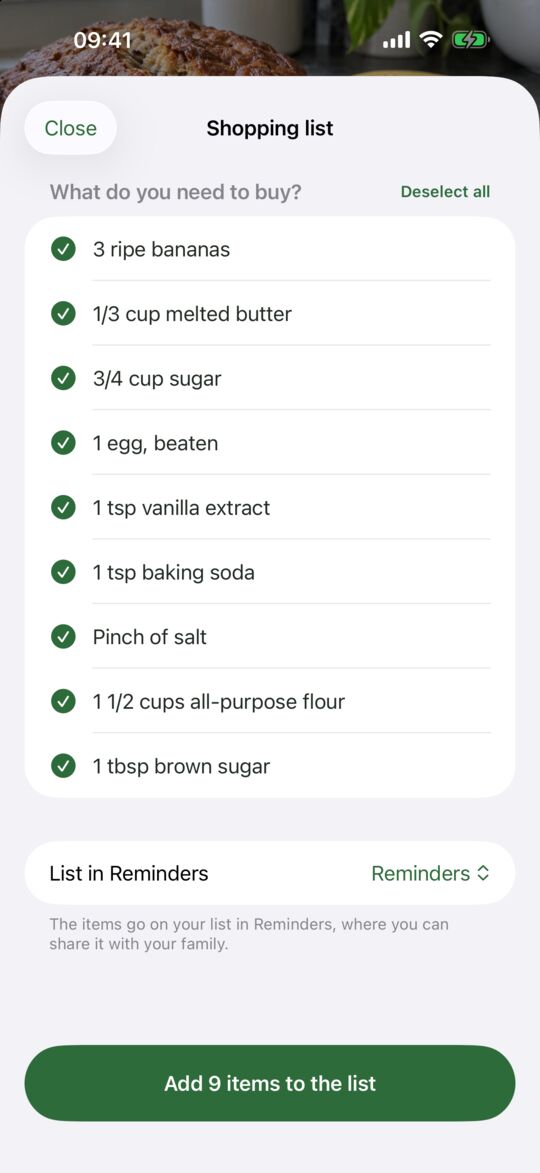
Other apps send your videos to a cloud AI and want an account and a subscription. Opskrift does the work on your iPhone with Apple's built-in speech recognition, text recognition and Apple Intelligence. No account, no tracking, nothing uploaded.
Opskrift is free. That's the whole app and every feature, with no ads and no subscription. Just use it, and students: keep your money for noodles.
If you're doing alright, you can become a supporter inside the app. That gets you the show-off icons: a few extra app icons, so your home screen knows you're not just another freeloader. Nothing gets locked, and freeloaders are still very welcome. Peter isn't judging. Much.
No. Opskrift never fetches anything from the internet itself. Save the video to your iPhone first (most apps have "Save video"), then share it from Photos to Opskrift. A copied caption can be pasted as text too.
No. Everything happens on the iPhone. The first time you import a video in a new language, iOS may fetch Apple's own speech model for that language.
iPhones with iOS 17 or later. On iPhones with Apple Intelligence (iPhone 15 Pro and newer, iOS 26), recipes from videos and photos are written by Apple's on-device model and come out best. Other iPhones use Opskrift's own rules.
Recipes read from videos and photos are marked "check this", and you can edit everything. The text Opskrift read is kept with the recipe, so you can compare.
Yes, as text from the recipe's menu. The shopping list lives in Reminders, so a shared Reminders list works for the whole family.
Not yet. Recipes are stored on your iPhone.